AI chatbot: how to stop it making up answers
Wrong opening hours, invented prices, impossible promises: why a chatbot sometimes makes things up, and 6 settings to keep it reliable.
Answering at night, sorting requests, freeing up the phone: what an AI assistant really brings to a shop or tradesperson's website, and its limits.
You have probably noticed: your customers almost always ask the same questions. “Are you open on Sunday?”, “Do you deliver to my town?”, “How much is a haircut?”. An AI assistant on your website answers these questions for you, at any time of day. But is it really useful for a small business, and under what conditions?
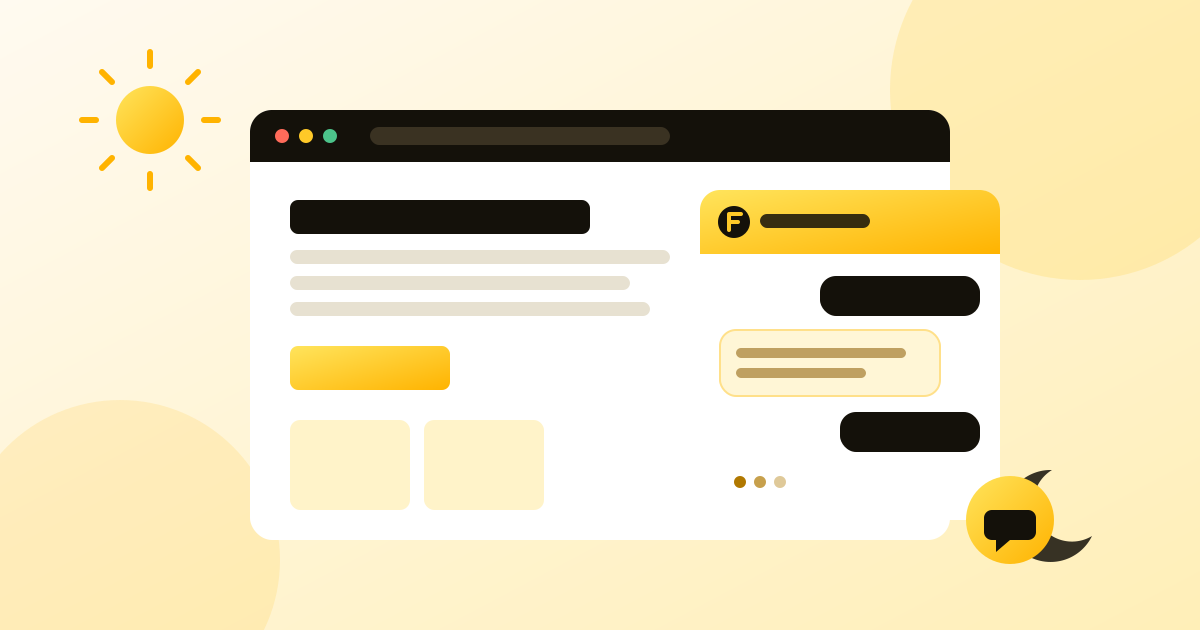
An AI assistant is a small chat bubble in the corner of your website. Visitors type their question in their own words, and the assistant replies in one or two sentences, based on the information you have given it.
How is that different from an FAQ page? Customers do not have to search. They ask their question the way they would at the counter, and get the answer straight away.
A large share of visits to a small business website happen in the evening, at the weekend or while you are working with your hands full. Without an answer, visitors often go to the competitor who does show the information. The assistant answers at 10 pm just as it does at 7 am.
Every call asking for your opening hours interrupts you: a customer to serve, a job on site, a haircut in progress. An assistant takes care of these simple questions and leaves you the calls that really matter.
For tradespeople, this is often the most useful part: the assistant checks that the customer is within your area, clarifies the type of work, then collects their details. You call back people who already have the right information.
A good assistant does not replace your relationship with your customers: it handles the repetitive questions so you have more time for the real conversations.
An AI can get things wrong. If it does not have the information, a poorly configured model can “make up” a plausible answer: opening hours, a price, a promise. That is the main risk, and it can be managed:
Another point: your visitors must know they are talking to an AI. In the European Union this is a legal requirement under the AI Act, and everywhere it is a matter of trust. We cover this in our article on the AI Act and chatbots.
Ask yourself three simple questions:
If you answer yes to at least one, an AI assistant will save you time from the first week. Start small: your opening hours, your main prices, your terms. Then add to it as real questions come in.
The takeaway: a useful AI assistant for a small business is a careful one. It answers simple questions quickly, admits when it does not know, and leaves you in charge of everything else. That is exactly how we designed Flopia.
Wrong opening hours, invented prices, impossible promises: why a chatbot sometimes makes things up, and 6 settings to keep it reliable.
When a customer writes to your chatbot, where does the message go? Local model or major provider, GDPR, training: what to know before choosing.
Since 2 August 2026, the AI Act's transparency obligations apply. Here is what that changes for the chatbot on your website.