An AI assistant on your website: what does it do for a small business?
Answering at night, sorting requests, freeing up the phone: what an AI assistant really changes for a shop or a tradesperson.
Wrong opening hours, invented prices, impossible promises: why an AI chatbot sometimes makes things up, and 6 practical settings to keep it reliable.
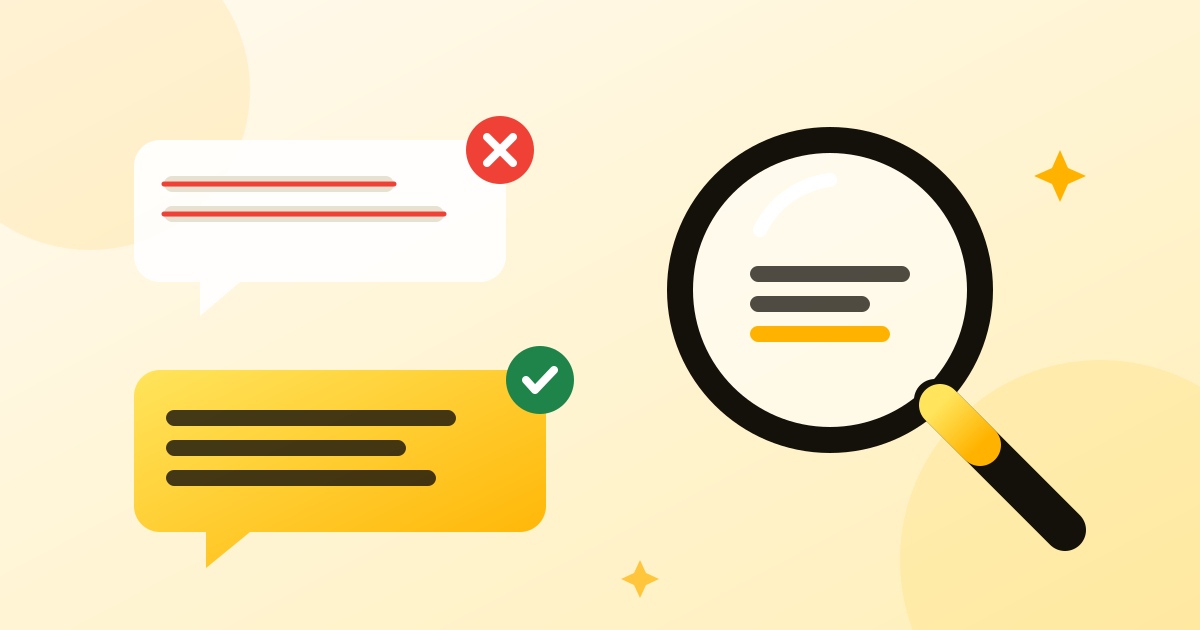
It is the number one fear of business owners considering an AI assistant: “What if it tells my customers nonsense?”. The fear is justified. AI models can produce answers that are wrong but believable, known as hallucinations. The good news: with the right settings, this risk drops sharply.
A language model does not “know” things the way you do: it produces the most likely sequence of words. When it lacks the information, it can therefore write an answer that looks like a good one. Ask an AI for the opening hours of a bakery it knows nothing about: it may well reply “7 am to 7 pm”, simply because that sounds plausible.
The most common mistakes on a small business website:
This is the golden rule. The assistant must look for the answer in your information (business profile, FAQ, pages of your website) and nowhere else. An AI that draws on its general knowledge to talk about your business will end up getting it wrong.
A correct answer is better than a made-up one, but “I don't have that information, would you like to leave a message?” is better than a mistake. The assistant must be explicitly allowed, and even encouraged, to admit when it does not know.
Prices, cancellation terms, guarantees: for topics where a mistake is costly, provide the exact answer to display, word for word. The AI does not rephrase it, it shows it as is.
Say what it must never do: promise a lead time, grant a discount, give medical or legal advice, talk about competitors. A clear rule prevents a lot of slip-ups.
Even when well configured, a model may occasionally disobey. An automatic check reviews each answer: a price missing from your price list, an unknown phone number or a forbidden promise is detected and removed before it reaches the customer.
For the first few weeks, read the questions asked and the answers given. Every mistake you spot becomes a piece of information to add or a rule to clarify. After a few adjustments, the assistant covers most of your frequent questions.
A reliable assistant is not one that answers everything, it is one that only answers what it knows.
Before going live, ask it about twenty questions yourself, including some traps:
If the assistant stays polite and careful, and refers people to you when it should, it is ready.
At Flopia, these six settings are built in from the start: answers based only on your information, required answers, forbidden topics, an automatic check of every answer, handover to you and a test area before opening. See how it works.
Answering at night, sorting requests, freeing up the phone: what an AI assistant really changes for a shop or a tradesperson.
When a customer writes to your chatbot, where does the message go? Local model or major provider, GDPR, training: what to know before choosing.
Since 2 August 2026, the AI Act's transparency obligations apply. Here is what that changes for the chatbot on your website.